Audio, properly organised.
Browse songs, albums, artists, genres, playlists and audiobooks. Edit song details and artwork, manage playlists, and keep spoken audio in its own category.
 TapThatStreamMedia & Visuals
By Auto Culture Society · Version 2.0
A personal media player with a world of character. Bring your collection, find your look, and connect the screens you love.
iPhone · iPad · Mac · Apple TV · Apple Vision Pro
01 / A different way to press play
From a quiet record deck to a grand cinema. Explore the artwork, change the shape of your screen, and find a look that feels like you.
Style 02 / 18
Rich velvet, gilded architecture and a grand movie-palace auditorium.
Included with Full App UnlockActual app artwork. Website composition preview; not an app screenshot.
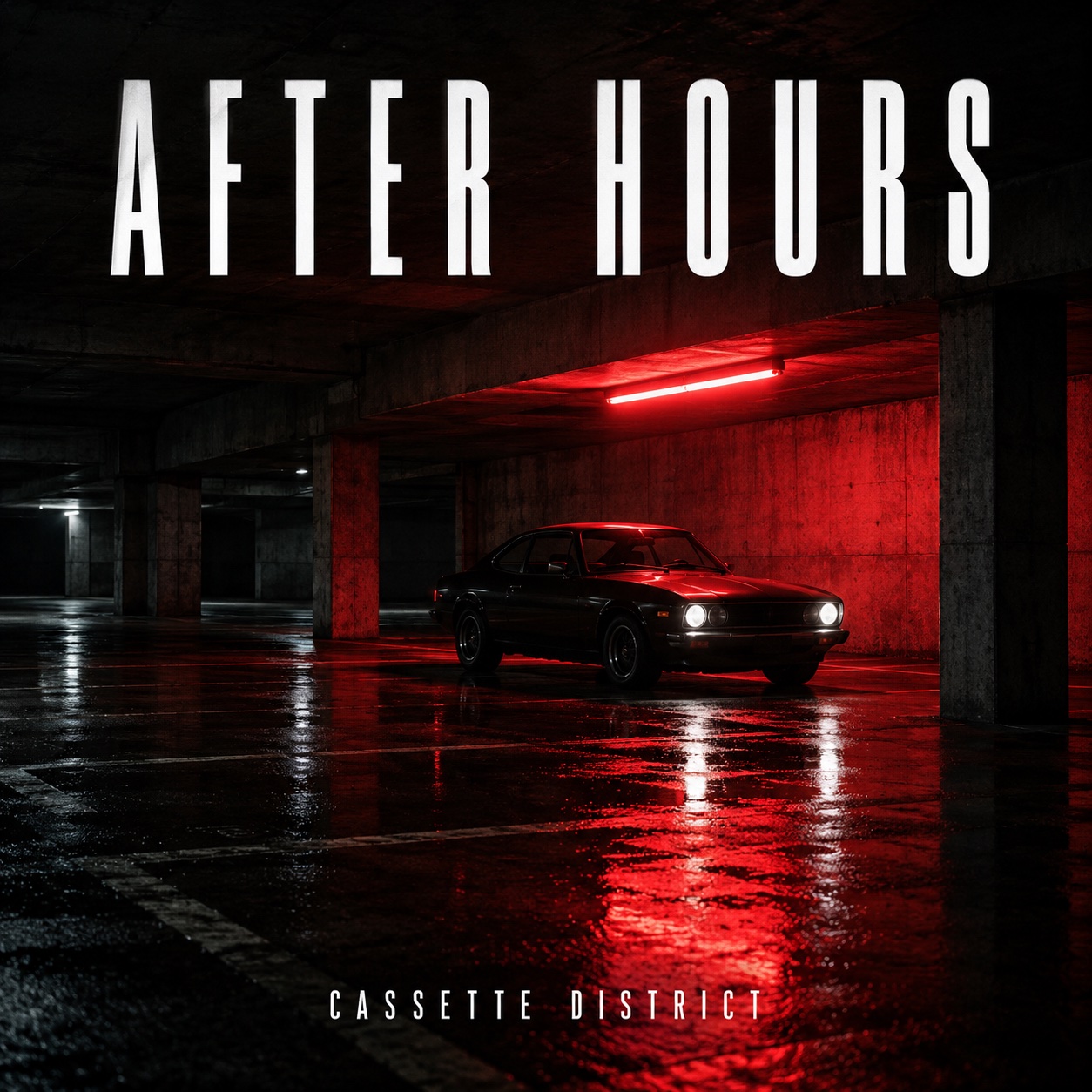
Redshift Avenue · Cassette District. Fictional demo media.
The complete picture stays inside the viewing opening. A different video shape may add a matte; the film is never stretched or cropped in this preview.
A little occasion, a lot of atmosphere
Two seasonal surrounds are part of the same collection. No separate seasonal or skin purchase.
02 / The collection comes first
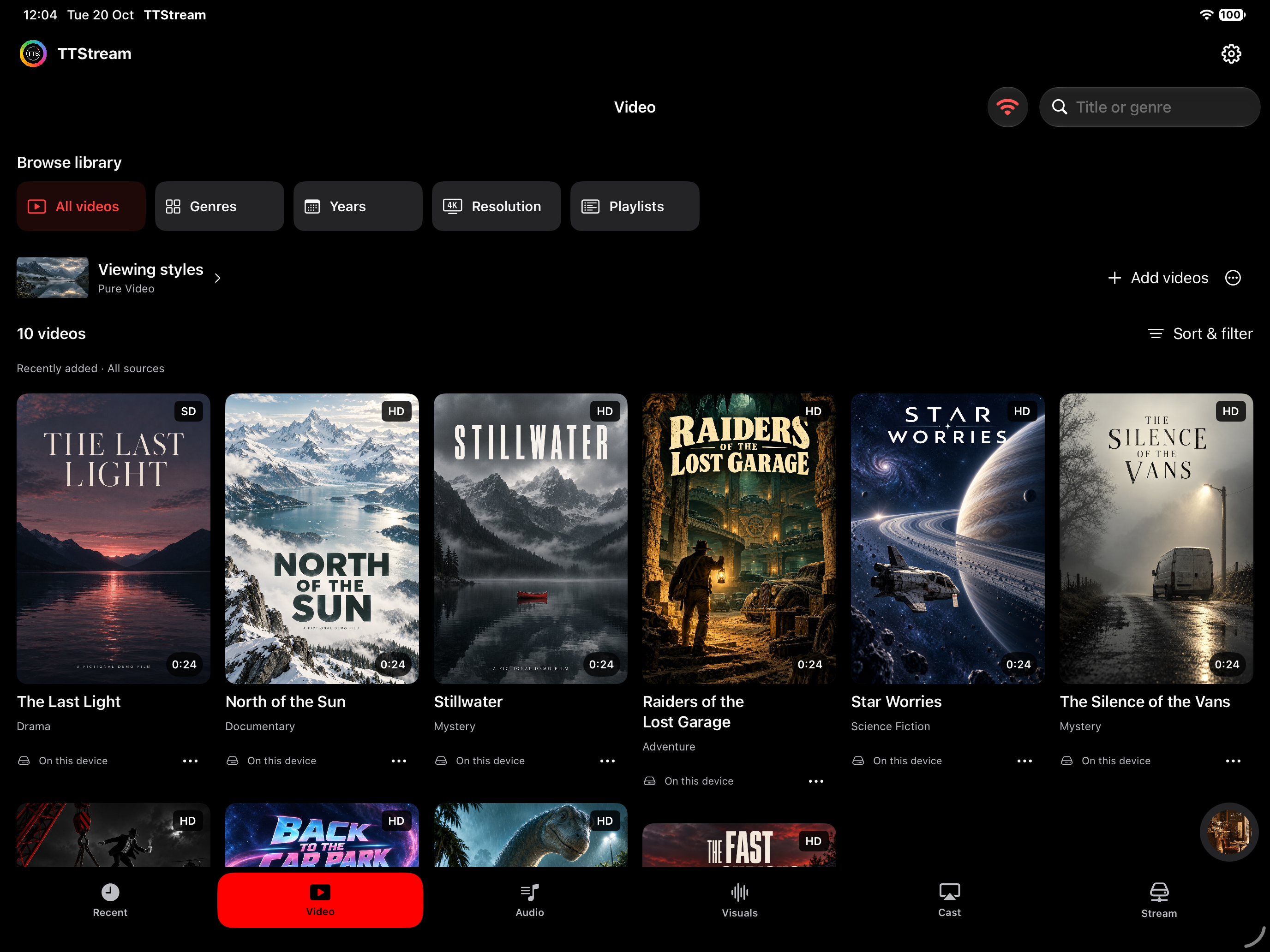
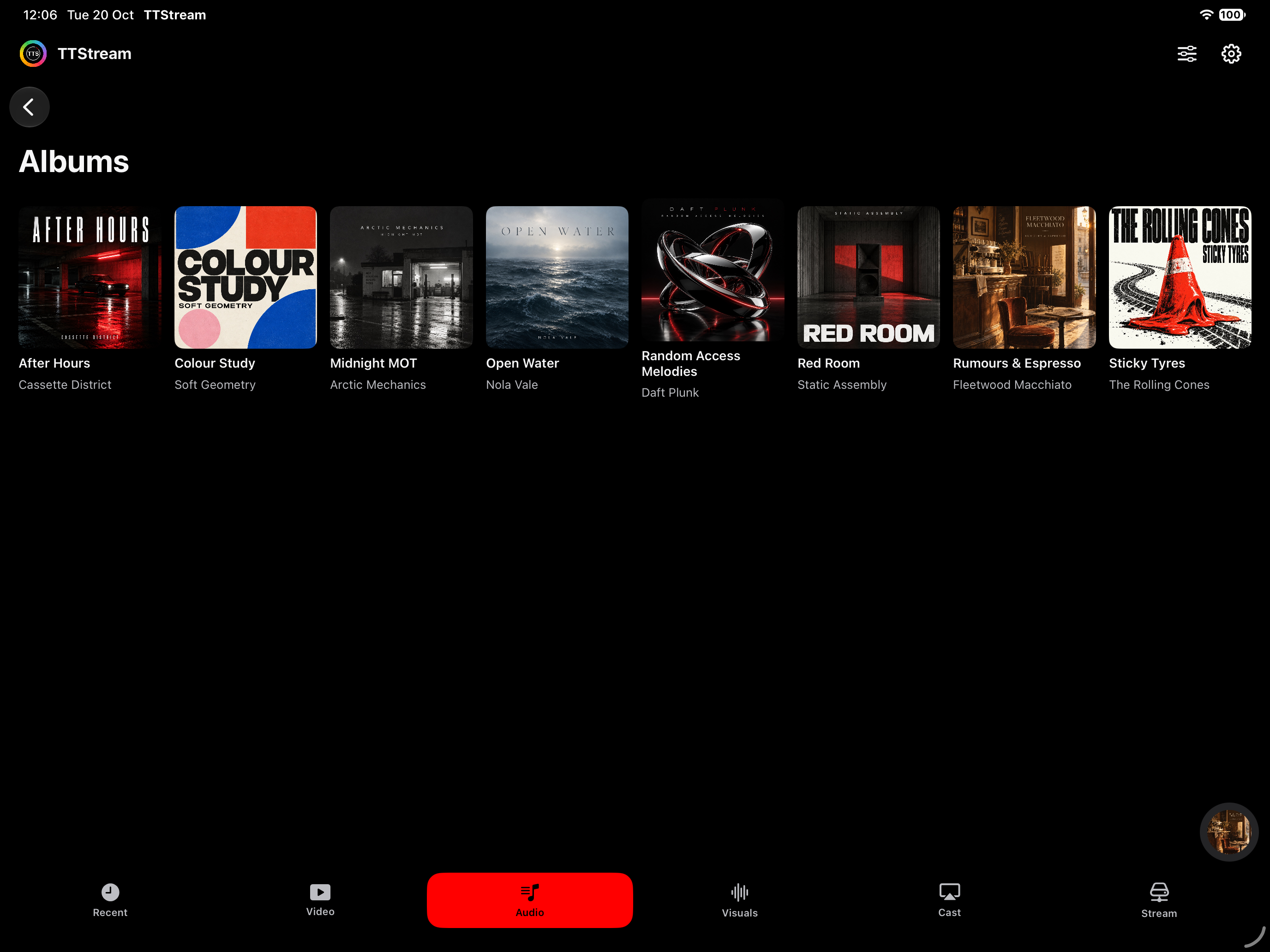
Albums and artists. Films and genres. Familiar ways to browse, with artwork and details that make your collection yours.



Original showcase artwork. Films and music are not included with the app.
Browse songs, albums, artists, genres, playlists and audiobooks. Edit song details and artwork, manage playlists, and keep spoken audio in its own category.
Browse video collections with embedded artwork, genre and other metadata where available. Resolution labels help you see what is in your library before you press play.
Audio and video appear in Recent after more than ten seconds of playback, so an accidental tap does not take over your history.

03 / Your media, around your home
Stream brings nearby TTStream libraries into the same Audio and Video views as your own files. Connect more than one library and keep browsing in one place.
Illustration of direct local sharing. Keep the source app open and its storage connected.
Open Stream on the source device. Enable audio, video or both, then select Start sharing.
On the other device, choose the library and enter its displayed pairing code. Both devices need the same Wi-Fi or Ethernet network.
Connected items appear in Audio and Video with their source shown. Save supported items on the device when you need a local copy.
Sharing uses local HTTP and pairing credentials. Use a trusted private network. Stop sharing ends the session; the source app and attached drive must remain available. Stream is not an internet relay or cloud locker.
04 / A home for your hard drive
On Mac, point TTStream at a folder on your computer or attached storage. It scans the subfolders and links supported audio and video in place.
No need to copy the whole collection into the app. Follow scanning progress, cancel when needed, and remove a folder link without deleting your originals.
The original drive must stay connected for playback. Import a copy instead when that suits you better.
Folder-link illustration · originals remain on the drive
05 / More ways in
Import supported media from Files, or open the Wi-Fi transfer address on a browser on the same network. A QR code takes another device straight to the transfer page.
Check device optionsConnect your library with your permission. Subscription playback requires an active Apple Music subscription and does not require the TTStream unlock.
Apple Music files cannot be imported, shared through Stream or used for live audio-reactive visuals.
Add podcast RSS feeds or direct playable audio, video and HLS URLs. Keep favourite sources alongside your own collection.
A webpage or service sign-in link is not a playable stream. Format and codec support depend on your device.
Music you can see
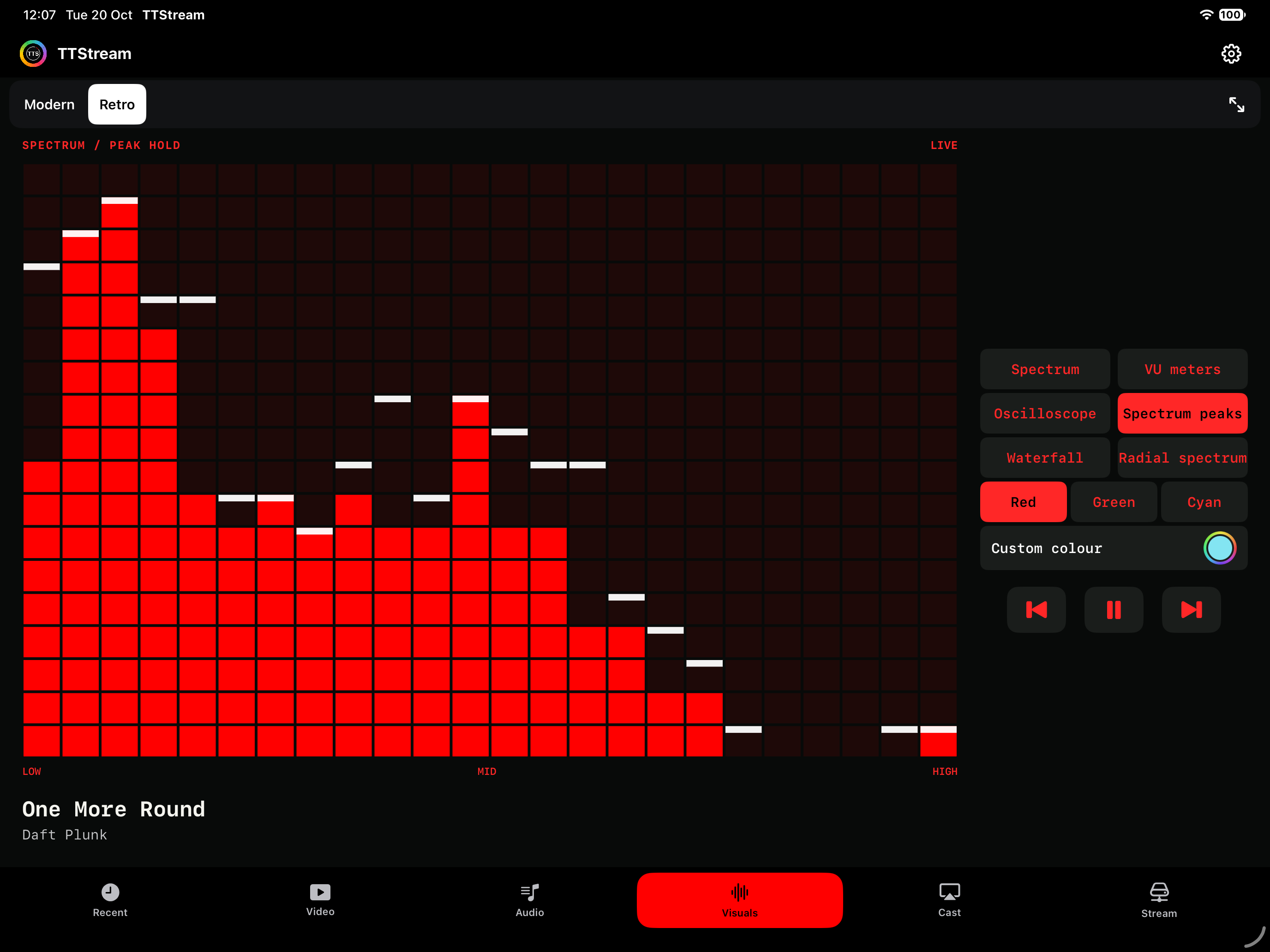
Visuals has its own Modern and Retro experiences, separate from the audio player skins. React to supported personal audio, choose your look, and expand the view.
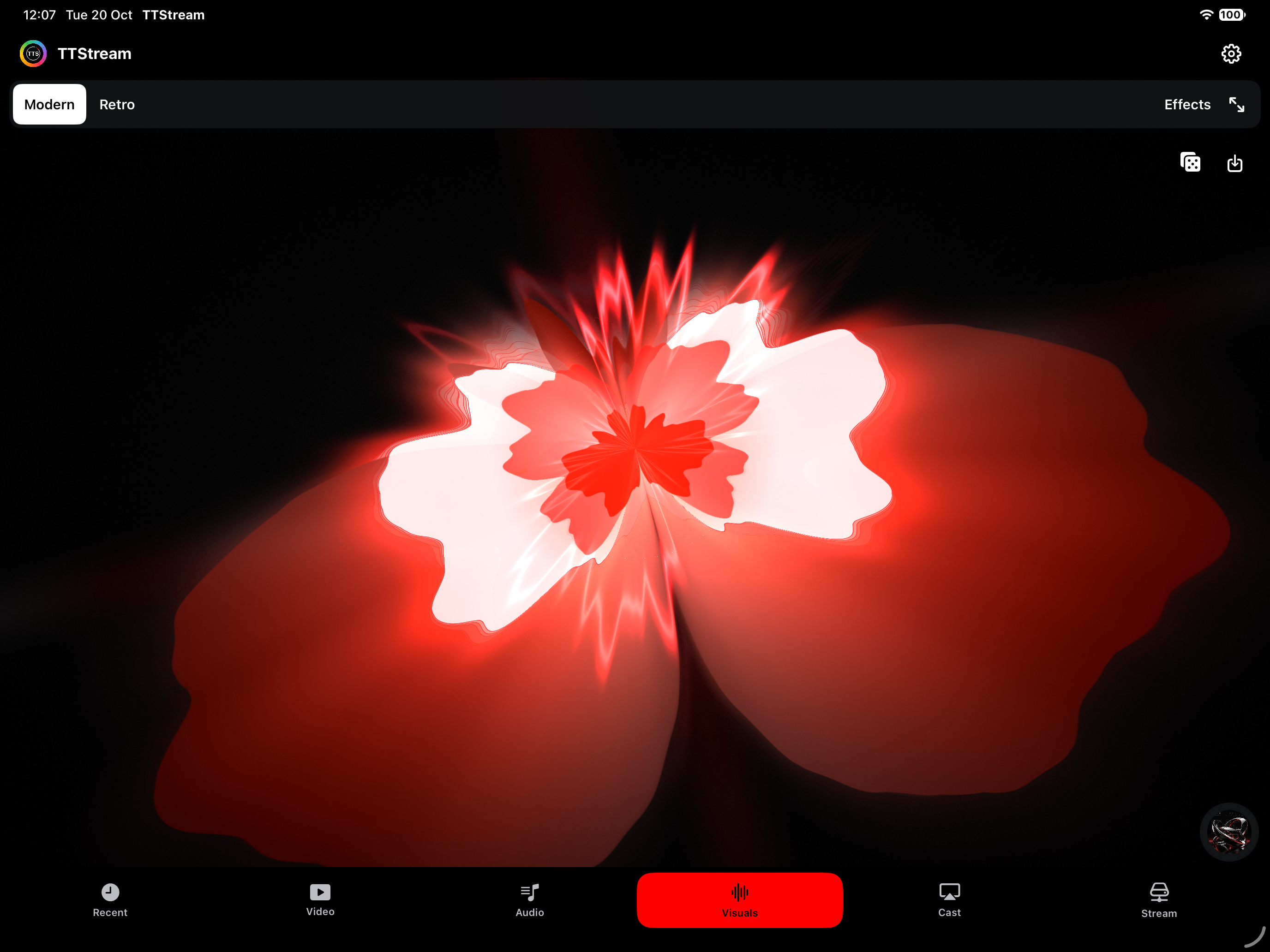
Explore visual scenes and effects with a full-screen view. Use Tap That to find another combination, or choose the style yourself.
Spectrum, VU meters, oscilloscope, peak holds, waterfall and radial spectrum. Choose a colour, including the signature red.
Visualisers use supported personal-media playback. Apple Music subscription audio does not provide a live analysis signal. Visuals may flash; adjust the comfort settings to suit you.
Keep the useful controls
Play Next or Add to Queue, then arrange or remove upcoming tracks. Keep favourite audio in playlists and switch between shuffle and repeat when listening.
On iPhone, iPad and Mac, video options include 0.5× to 2× playback, plus embedded audio tracks and subtitles when the file provides them. Picture in Picture appears where the system and media support it.
Viewing styles adapt around the video’s proportions. A portrait clip, a 4:3 home movie and a widescreen film each keep their own shape, with space around the picture where needed.
A different output. The same collection.
Choose a compatible speaker or receiver using the system route picker on iPhone and iPad. On Mac, select your output in Control Centre or Sound settings.
Audio routing alone does not send the visualiser to a television.
Choose a presentation in Cast. On iPhone and iPad, use Screen Mirroring or a compatible HDMI/USB-C display for visuals. On Mac, open the presentation and move its window to the connected display.
A receiving device must support the chosen connection. Paired Stream video stays on the receiving TTStream device.
The iPhone app includes CarPlay audio browsing and Now Playing, using Apple’s system interface. Choose the first browse destination and access your music and queue through your compatible car connection.
Phone skins, video surrounds and TV visualisers do not change the CarPlay dashboard.
06 / Across your Apple devices
One universal app purchase, restored with the same Apple Account. Each device brings its own way to browse, listen and watch.
| Your way in | iPhone / iPad | Mac | Apple TV | Vision Pro |
|---|---|---|---|---|
| Audio & video libraries | Included | Included | Included | Included |
| 18 audio + 18 video styles | Included | Included | Included | Included |
| Nearby Stream libraries | Connect & share | Connect & share | Connect; share cached media | Connect & share |
| Import from a file picker | Files | Import files | Use a connected library | Import media |
| Link storage folders in place | — | Mac & attached drives | Via a sharing Mac | Via a sharing Mac |
| Apple Music | Optional subscription | Optional subscription | Optional subscription | Optional subscription |
| Spatial experiences | — | — | — | 3D sculpture & immersive space |
Media is not included. Device storage, system versions, file formats and codecs affect playback. Apple TV may remove cached files to recover space; keep your originals.
07 / Settle in
Start with dark surfaces and a clear red accent. Choose another appearance in Settings, explore styles at your own pace, and use the app’s visual comfort options.
Visualisers can flash. System Reduce Motion is respected; this website starts still and never plays audio automatically. You control the sample and preview motion.
Try the still previews08 / Simple by design
Spend 14 days making it your own. Then choose the one-time unlock to keep playing your personal media, using visualisers and streaming around your home.
£9.99once
Start with 14 days free.
Version 2.0 is being prepared for release. Check the App Store for current availability. Your local price is shown before purchase.
No subscription. No automatic charge.
No separate skin purchases.
09 / A few useful answers
The 14-day trial starts when you choose it in App access. It does not turn into a subscription or charge automatically. After it ends, personal-media playback, visualisers and local-network streaming need the Full App Unlock. Your library and preferences stay in place. Restore purchases is available; reinstalling does not restart the trial.
Use the same Apple Account and Restore purchases across iPhone, iPad, Mac, Apple TV and Apple Vision Pro. The app purchase unlocks features; it does not automatically copy media between your devices. Use imports or Stream for your library.
No. Bring your own lawfully accessible media. The artwork on this page is original fictional showcase content. An Apple Music subscription is separate. There is no built-in Spotify or Plex integration.
Yes. Stream can connect multiple TTStream libraries on the same local network, with connected items integrated into Audio and Video. Keep each source app available and any linked drive connected. Stop sharing or disconnect in Stream when finished.
Yes. Link a folder and TTStream scans its subfolders for supported media. Linked files remain on the original drive and play in place. The drive must stay connected. Removing the folder link does not delete the original media.
Surrounds account for the viewing area and video shape. The video retains its aspect ratio. Some combinations use a matte inside the opening; Pure Video gives you the cleanest, largest picture. The explorer above lets you compare common screen and video shapes.
Apple TV has no general Files importer. Pair with a TTStream library on your Mac, iPhone or iPad, or add a supported direct media URL. You can save supported connected media locally, but tvOS can clear cached files, so keep the original files elsewhere.
Your library, history and preferences are stored on your device. TTStream does not require its own account or upload your library to an Auto Culture Society server. If you enable local sharing, paired devices can receive metadata, artwork and media. Read the privacy policy.
Tell us your device, app version, file format and what you were trying to do. Keep pairing codes and private media out of your message.